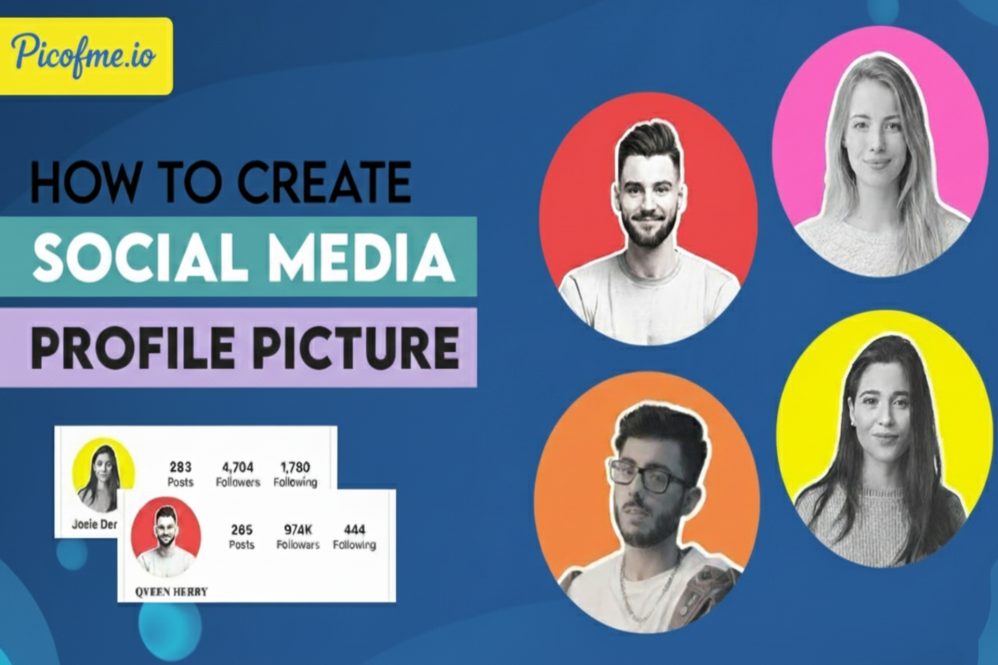
Hello, this post is about how to create AI Profile Pictures Using Picofme.io. In today’s digital world, having a professional profile picture is essential — whether it’s for social media, business profiles, or resumes. With Picofme.io, you can create high-quality AI-generated profile pictures in just a few clicks — no design skills needed!
In this post, you’ll learn step-by-step how to generate your own AI profile picture using Picofme.io — completely free
Step-by-Step Guide to Create an AI Profile Picture Using Picofme.io
Create Stunning AI-Generated Profile Pictures with Picofme.io
In today’s digital world, your profile picture is often your first impression. Whether it’s on LinkedIn, Instagram, Twitter, or even your professional portfolio, having a clean, eye-catching profile photo can instantly boost your credibility. But not everyone has access to professional photography or the design skills to create a standout image. That’s where Picofme.io comes in.
Picofme.io is an easy-to-use online tool that uses artificial intelligence to generate beautiful, high-quality profile pictures. Whether you want something sleek and professional or creative and fun, this tool helps you create the perfect profile image in just minutes—without any design experience. How to Create AI Profile Pictures Using Picofme.io
How to Create AI Profile Pictures Using Picofme.io (Step-by-Step)
Step-by-Step Guide to Create an AI Profile Picture Using Picofme.io
Step 1: Visit the Website
- Go to the official website: https://picofme.io
- You’ll see a simple interface asking you to upload your photo.
Step 2: Upload Your Photo
- Click on the “Upload Photo” button.
- Select a clear photo of yourself (front-facing, good lighting).
- Wait a few seconds while it processes.
Step 3: Choose a Style
Once uploaded, you’ll see dozens of background styles and AI enhancements.
You can:
- Change the background (gradient, minimal, techy, etc.)
- Adjust the frame and shape
- Preview each design instantly
Step 4: Customize (Optional)
If you want:
- Add text or name
- Adjust brightness, contrast
- Use shadow or border effects
(These are optional; most users skip for speed.)
Step 5: Download Your Profile Picture
After choosing your favorite design:
- Click “Download”
- It will download in high resolution for free
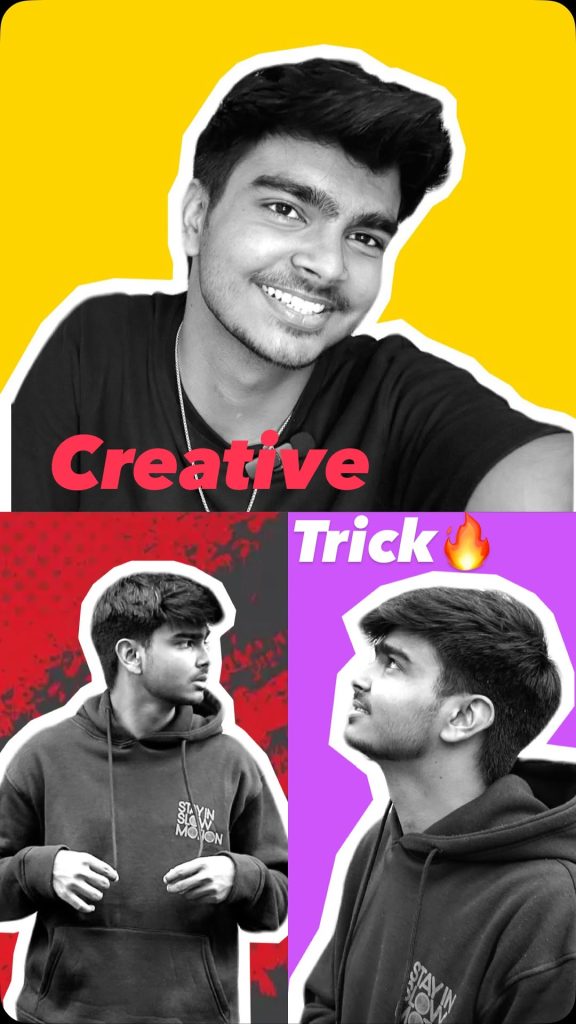
Why Use Picofme.io?
- 100% Free
- No signup required
- Professional AI-based output
- Super beginner-friendly
Tips for Best Results
- Use a clear, high-quality photo
- Avoid group photos
- Choose a neutral expression
- Try multiple styles to find the best one
Top 03 AI Image Generator Tools in 2025
Final Words
Creating an AI-generated profile picture has never been easier! With Picofme.io, you can boost your digital presence in just minutes.
One of the best things about Picofme.io is how fast and simple it is. All you need to do is upload your photo, and the AI does the rest. It removes the background, enhances the image, and places it on modern, stylish templates that make your profile pop. You can choose from a variety of background styles, lighting effects, and shapes to match your brand or personality. How to Create AI Profile Pictures Using Picofme.io. How to Create AI Profile Pictures Using Picofme.io. How to Create AI Profile Pictures Using Picofme.io
For content creators, freelancers, job seekers, or students, this is a quick way to enhance your online presence. Instead of spending hours editing or hiring someone to do it for you, you can now create a polished look in under 5 minutes.
Stand Out on Every Platform
Different platforms require different vibes. A serious tone for LinkedIn, a vibrant look for Instagram, or something minimal for your portfolio—Picofme.io lets you create multiple styles for different platforms, all in one place. With its simple interface and powerful AI, anyone can create studio-quality profile pictures without the studio cost. How to Create AI Profile Pictures Using Picofme.io
Try It Today
If you’ve been using a random selfie or a blurry image for your profile, it’s time for an upgrade. A strong profile picture builds trust, improves your personal brand, and helps you stand out in crowded digital spaces.
Try Picofme.io today and experience just how easy it is to give your profile a professional and modern look. In a world where first impressions matter more than ever, this tool can be your secret weapon to looking your best—anywhere online. How to Create AI Profile Pictures Using Picofme.io
Try it today and give your profile a professional look!